



STEM Drone Curriculum
Future Innovators
LiteBee supports students through a progressive STEAM learning journey, helping them develop creativity, engineering skills, and problem-solving abilities through hands-on experiences. Every stage pairs a real STEAM robot kit with a structured curriculum — education robots that students build, code, and fly.

Where Curiosity Becomes Capability
LiteBee supports students through a progressive STEAM learning journey — helping them develop creativity, engineering skills, and problem-solving abilities through hands-on drone projects that scale with their age, ability, and ambition.

7 progressive stages

From first build (age 6) to AI-driven R&D (age 16+).

Hands-on from day one

Every stage centers on real builds, real flight, and real engineering challenges.

Aligned to growth

Each stage matches an age-appropriate drone platform and learning outcome.

Seven Stages, Seven Drones

From a child’s first build to a developer’s first prototype — a continuous pathway mapped to age, ability, and ambition.

/

Explore

Build

Create

Engineer

Innovate

AI+

Develop

Ages

6-8

8-10

10-15

15+

15+

15+

18+

Core
Competency

Curiosity &
Hands-on Lraring

Computational Thinking

Engineering
Design

Systems
Thinking

Creative
Expression

AI Literacy

Research &
Development

Learning Experience

• Build
• Assemble
• Fly

• Code
• Test
• Improve

• Design
• Build
• Solve

• Program
• Integrate
• Automate

• Choreograph
• Coordinate
• Showcase

• Perceive
• Analyze
• Create

• Prototype
• Iterate
• Deploy

Drone Series
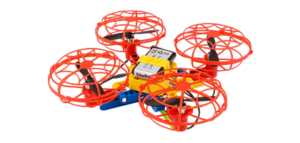
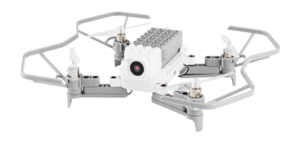
LIteBee Brix Ⅲ

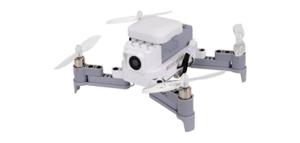
LIteBee Wing

LIteBee Wing +

Expansion Kits

LIteBee Wing FM

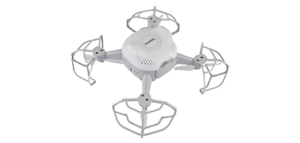
LIteBee Stars

LIteBee Bot

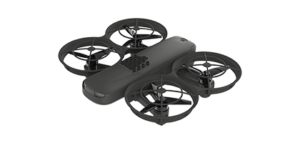
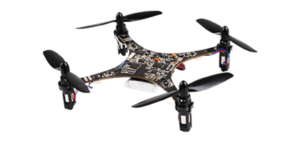
Crazepony C+

Class Sessions

32

40

32

32

/

/

/

What's at Every Stop on the Pathway

Each stage pairs a specific drone platform with a specific competency — so learning outcomes stay clear even as the technology grows more advanced. Together they form a complete robotics STEAM education pathway for ages 6 to 18+.

STAGE 01 · EXPLORE

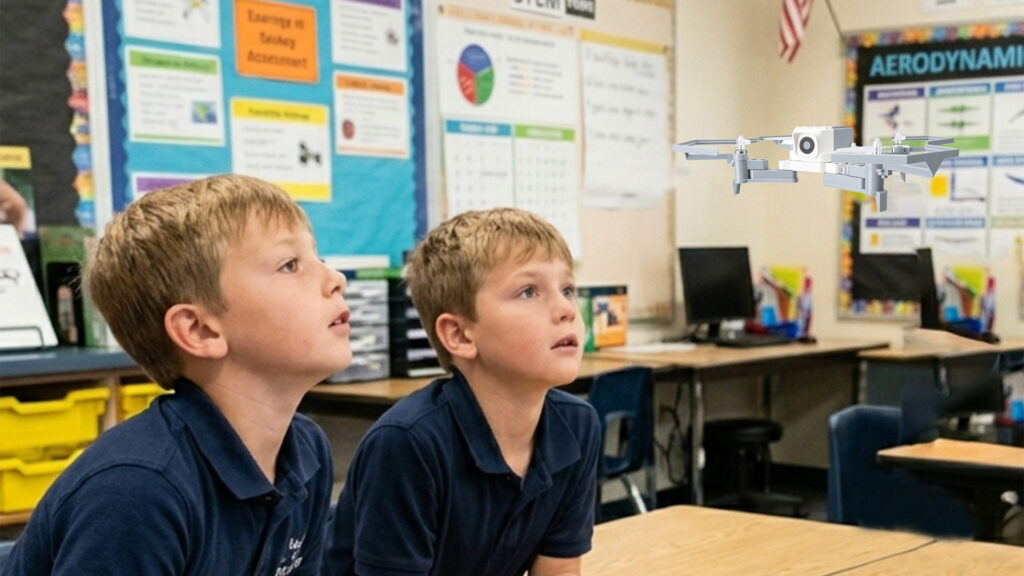
Drone: Litebee Brix          Ages 6–8          32 Class Sessions

Students take their first steps into STEAM by building a real, working drone with their own hands. No prior experience needed — every block, motor, and propeller is a small triumph that ends in flight.

Core Competency
Curiosity & Hands-on Learning

First-time learners | After-school programs | Family engagement
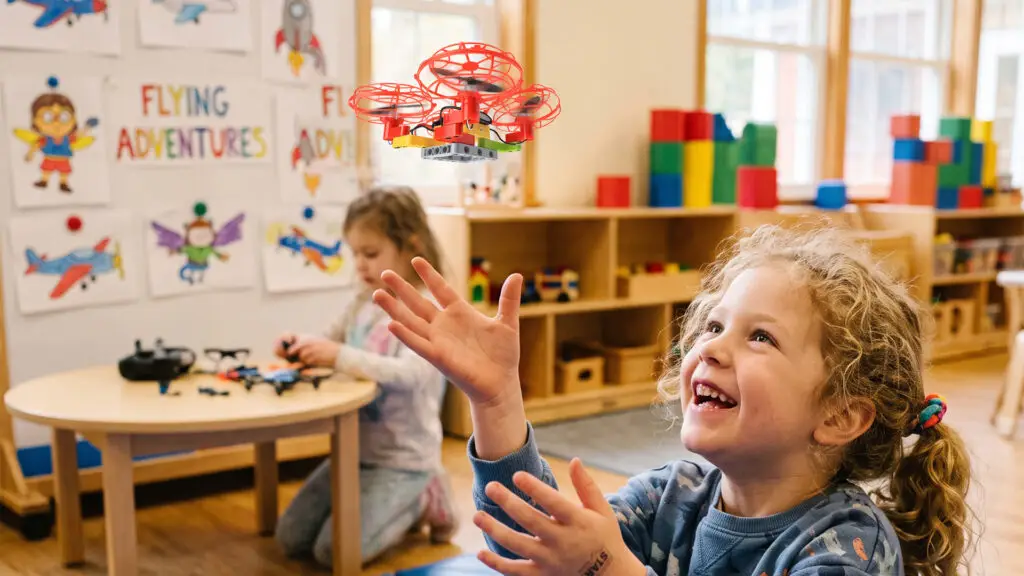
STAGE 02 · BUILD

Drone: Litebee Wing          Ages 8–10          40 Class Sessions

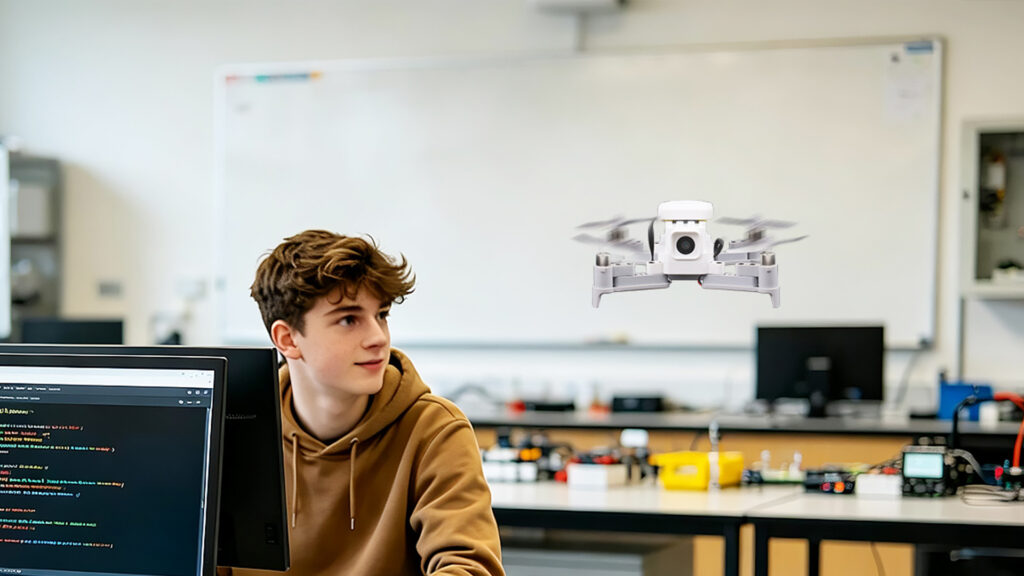
The longest stage in the pathway — students move from block-based to simple text programming, test their code in real flight, and iterate as problems surface. Computational thinking becomes a daily habit.

Core Competency
Computational Thinking

Continuing learners | Coding clubs | STEAM labs

STAGE 03 · CREATE

Drone:  Expansion Kits       Ages 10–15          32 Class Sessions

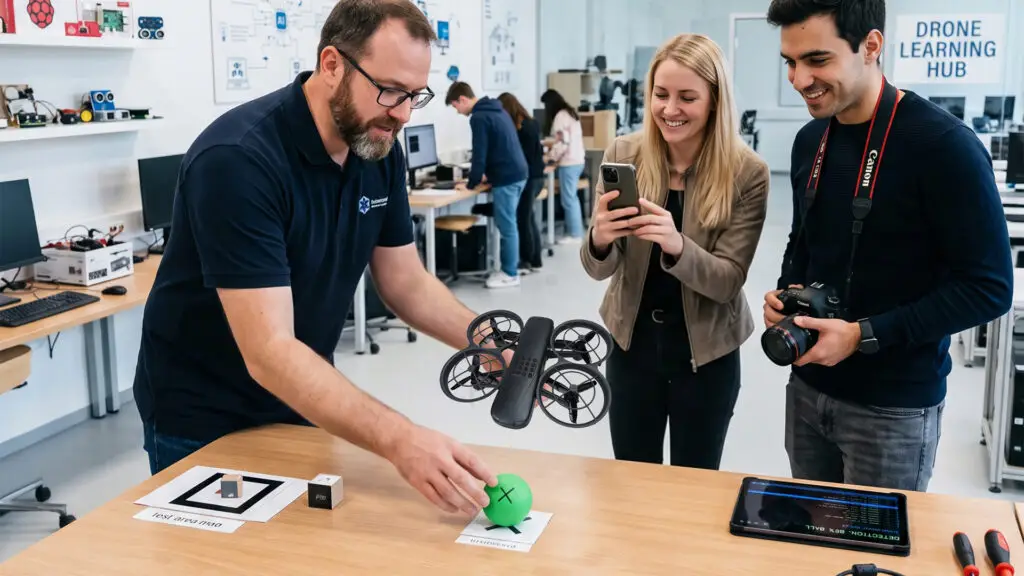
Students graduate from coding the drone to designing their own behaviors. Using vision, line-tracking, and obstacle-avoidance modules, they design, build, and solve open-ended engineering challenges.

Core Competency
Engineering Design

Project-based learners | Innovation labs | Maker spaces
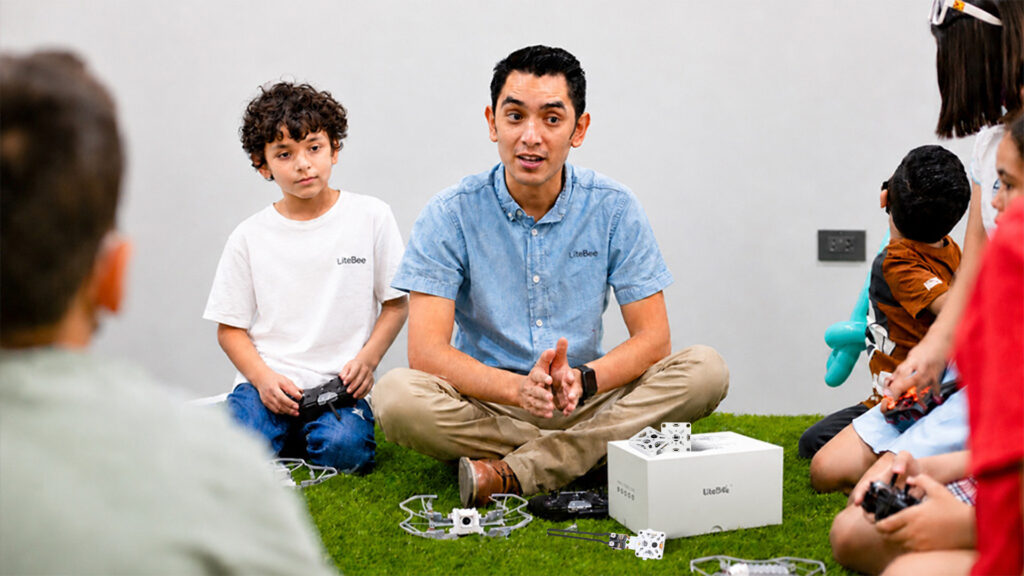
STAGE 04 · ENGINEER

Drone: Litebee Wing FM          Ages 15+          32 Class Sessions

Students step up from flying a single drone to choreographing many. Formation flight, light design, and synchronised performance teach systems thinking — every drone in the air is a node in a larger whole.

Core Competency
Systems Thinking

Performance programs | Multi-drone projects | Pre-engineering students

STAGE 05 · INNOVATE

Drone: Litebee Stars          Ages 15+

Where engineering meets spectacle. Students design and code large-scale aerial performances — synchronised fleets, custom lighting, real-world venues. Creative vision meets technical execution.

Core Competency
Creative Expression

Advanced students | Commercial performance training | Maker studios

STAGE 06 · AI+

Drone: Litebee Bot          Ages 15+

From air to ground. Students bring AI out of the cloud and into a real, programmable ground robot — training perception models, analyzing visual scenes, and creating new behaviors. The first step from consumer of AI to creator with AI.

Core Competency
AI Literacy

High-school AI clubs | University prep | Robotics teams

STAGE 07 · DEVELOP

Drone: LiteBee Crazepony C+          Ages 18+

The final stage — students step from consumer to creator of open-source drone technology. With programmable controllers, open-source firmware, and extensible hardware, they prototype real solutions and deploy them in the field.

Core Competency
Research & Development

University students | Open-source developers | R&D teams
What’s At Each Pathway Stop

Each stage pairs a specific drone platform with a specific competency — so learning outcomes stay clear even as the technology grows more advanced.

Discover

Concepts, vocabulary, and the “why” behind today’s mission.

Build

Hands-on assembly, wiring, and code setup.

Fly

Real flight practice with guided challenges.

Create

Open-ended project applying everything learned.

Demo: Inside a LiteBee Course — 40 Lessons with LiteBee Wing

A working example from our Level-2 course: how the pathway turns into week-by-week lessons — from first flight principles and Scratch programming robot projects to Python-coded missions.

40 Lessons

4 Modules

PBL Project-Based Learning

Block Coding → Python

Competition-Based Assessment

—— Teaching Logic — 8 Progressive Questions ——

Dream of flight, basic knowledge

What is a drone

Principles of drone flight

How to build a drone

How to make the drone more stable

How to make the drone smarter

How to use drones to take on more challenges

Applications of drones in real life and production

Litebee Wing Introduction

Note: In the first 3 lessons students do not fly the drone — they learn principles through experiments; any experiment requiring the remote controller is demonstrated by the teacher.
No. Lesson Topic
Key Knowledge & Practice
Rule awareness
01. Drones Benefit Mankind
Origin and classification of drones; no-fly zones and restricted flight zones
Rule awareness
02. Creative Drone Payloads
Drone applications across industries; experiment: adding different payloads and imagining possible tasks
Reflective thinking
03. Why Drones Can Fly
Bernoulli’s principle (faster flow, lower pressure); experiments: air-pressure difference, blowing a ping-pong ball upward and downward
Hands-on experiment
04. Bernoulli Experiment
Bernoulli experiments — flight basics
Hands-on experiment
05. Entering the World of Litebee Wing
Drone parts: sensors, flight controller, power kit; binding, one-key takeoff & landing, yaw, displacement
Knowing different types of drones
06. Controlling the Litebee Wing Drone
Binding and remote-controlled flight: takeoff, landing and displacement
Hand-eye coordination
↑ Attach LEGO bricks to the Litebee Wing (if the school has bricks)
Note: Students learn to fly using the remote controller, building from single power-kit experiments to a full racing challenge.
No. Lesson Topic
Key Knowledge & Practice
Skill / Upgrade
07. Flight Control Elite (I)
How many power kits a drone needs to take off; rotation directions of different power kits; dual power-kit configuration; single / dual power-kit experiments
Experimentation & practice
08. Flight Control Elite (II)
Working principle of displacement; functions of different power kits
Experimentation & practice
09. Flight Control Master (I)
Fixed figure-8 flight; obstacle flying
Hand-eye coordination
↑ Timed flight
10. Flight Control Master (II)
Dynamic figure-8 flight; racing flight
Hand-eye coordination
↑ Timed flight
11. Racing Challenge — Training
Comprehensive flight-control training; scenario setup
Path planning · Teamwork
12. Racing Challenge — Competition
Full racing challenge event
Path planning · Teamwork
Note: Most students at this age have already tried Scratch-style coding, so instead of introducing blocks one by one, they learn by building projects — keeping interest high.
No. Lesson Topic
Key Knowledge & Practice
Skill / Upgrade
13. Classic Maze
Programming interface, characters, blocks
Coding awareness
↑ Create your own game
14. Creative Maze
Building a maze game: direction, movement, loops
Basic logical thinking
15. Ace Combat (I)
Conditionals, events, key control
Game design thinking
↑ Add different scenes
16. Ace Combat (II)
Variables, scoring
Game design thinking
17. Ace Combat (III)
Event modules, motion modules
Human-machine interaction · Teamwork
↑ Add sound effects
18. Ace Combat (IV)
Detection modules, motion modules, variables
Loop & flow control
19. Ace Combat (V)
Cartesian coordinate system, frame-by-frame animation, key control
Frame animation principles
↑ Add item characters
20. Ace Combat (VI)
Building a complete game: logical conditionals, random numbers
Mathematical thinking
Note: Lessons 21–30: connect the aircraft for programmed flight. Lessons 31–40: switch from graphical programming to code programming.
No. Lesson Topic
Key Knowledge & Practice
Skill / Upgrade
4A · Graphical Coding, Real Drone (Lessons 21–30) :
21. Smart Aerial Robot
Programming interface, characters, blocks
Coding awareness
↑ Create your own game
22. Smart Rectangular Flight
Building a maze game: direction, movement, loops
Basic logical thinking
23. Smart Aerial Photography Drone
Conditionals, events, key control
Game design thinking
↑ Add different scenes
24. Aerial Photography Upgrade
Variables, scoring
Game design thinking
25. Reconnaissance Drone
Event modules, motion modules
Human-machine interaction · Teamwork
↑ Add sound effects
26. Aerial Guidance
Detection modules, motion modules, variables
Loop & flow control
27. Emergency Rescue
Cartesian coordinate system, frame-by-frame animation, key control
Frame animation principles
↑ Add item characters
28. Mountain Rescue
Building a complete game: logical conditionals, random numbers
Mathematical thinking
29. Motion-Sensing Game (I)
Building a complete game: logical conditionals, random numbers
Mathematical thinking
30. Motion-Sensing Game (II)
Building a complete game: logical conditionals, random numbers
Mathematical thinking
4B · Programming Competition (Lessons 31–32) :
31. Programming Challenge — Regular Round
Hone students’ comprehensive ability and gain competition experience through events
Competition experience
32. Programming Challenge — Challenge Round
Hone students’ comprehensive ability and gain competition experience through events
Competition experience
4C · Code Programming with Python (Lessons 33–40) :
33. Code — Basic Flight (I)
Controlling the drone with Python code; Python language, import statement
Code programming foundation
↑ Advanced use of if statements
34. Code — Basic Flight (II)
Controlling the drone with Python code; basic flight routines
Programming principles
35. Code — Advanced Flight (I)
Battery voltage; if statements
Logical conditions
↑ Create your own programming methods
36. Code — Advanced Flight (II)
Flight altitude; emergency procedures
Flight safety measures
↑ Use programming methods
37. Code — Reconnaissance Drone (I)
Controlling flight direction and speed with Python; using parameters
Spatial thinking
↑ Design innovative reconnaissance routes
38. Code — Reconnaissance Drone (II)
Controlling flight direction and speed with Python; mission planning
Task analysis
39. Code — Island Rescue (I)
Hovering and orbiting flight code; rescue mission scenario
Rescue mission analysis
↑ Mountain rescue
40. Code — Island Rescue (II)
Hovering and orbiting flight code; completing the island rescue mission
Rescue mission analysis
↑ Island rescue

This is one example syllabus (Level-2 · LiteBee Wing). Every stage in the pathway ships with a complete syllabus of the same depth — request the full package below. 

Certified for Classrooms

Every LiteBee product meets international safety and quality standards — independently tested and backed by full documentation for school procurement.
CE
RoHS
FCC (US)
UN38.3

How LiteBee Partners With You for STEAM Success

We partner with you every step of the way, delivering tailored solutions that drive growth, efficiency, and lasting success.

Contact Form Demo